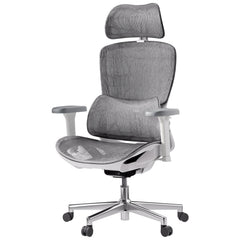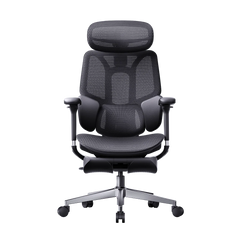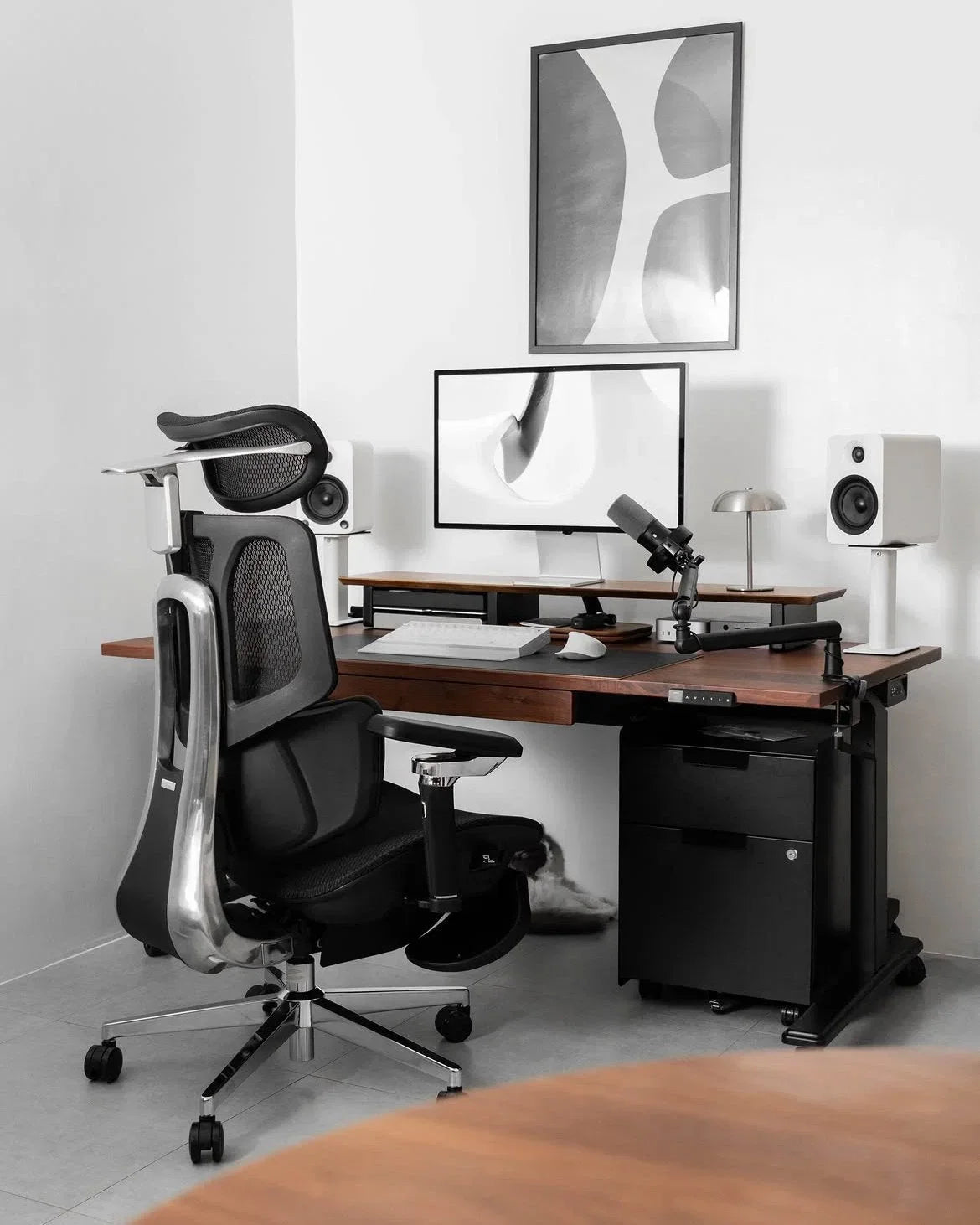
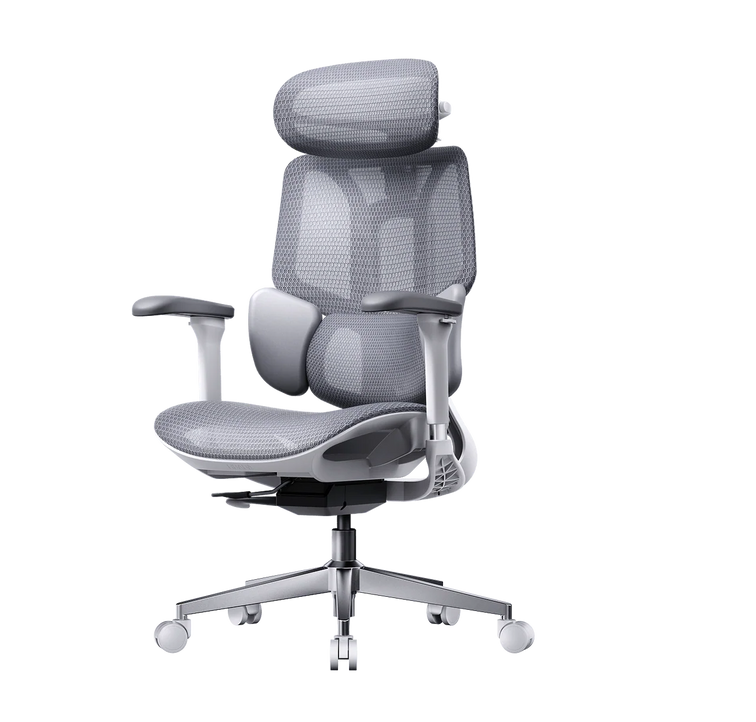
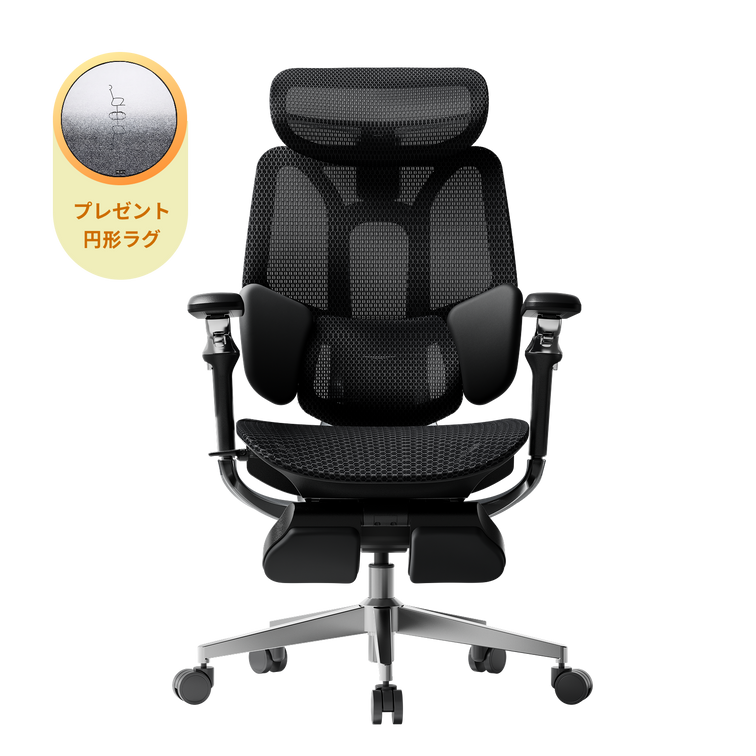
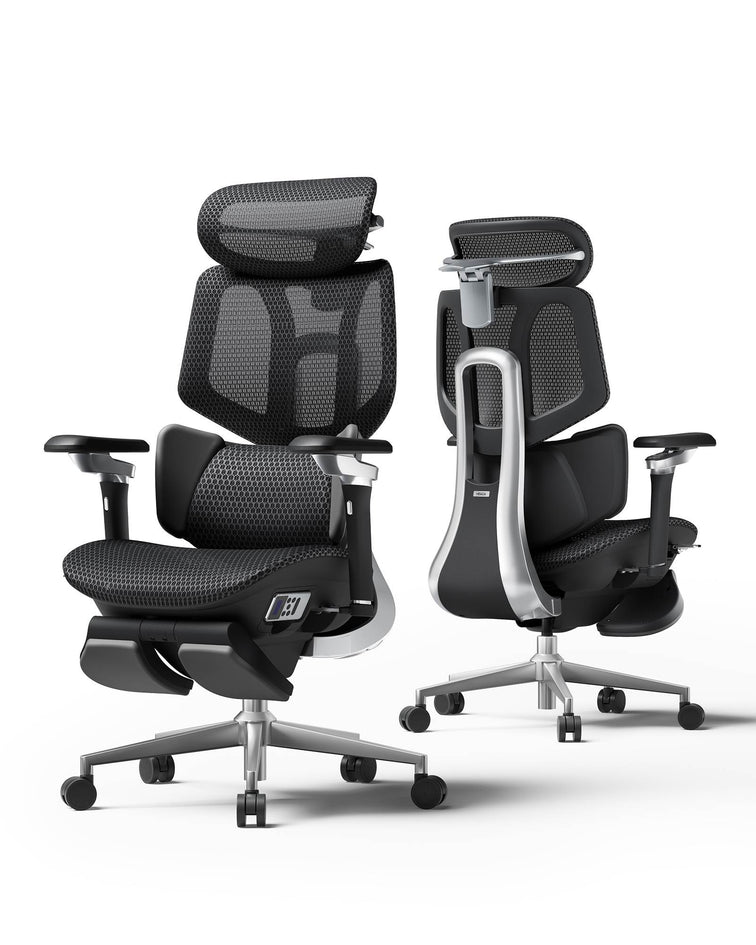
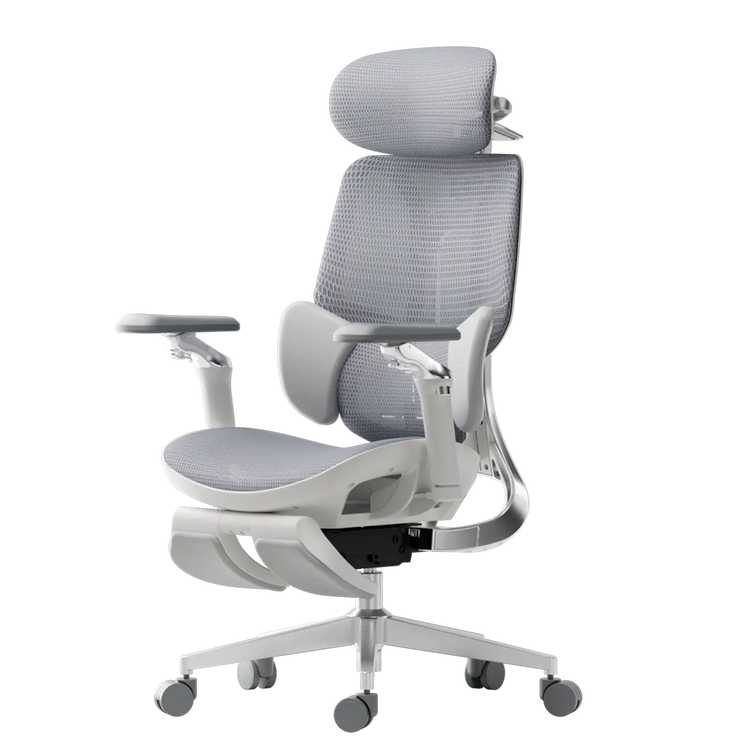
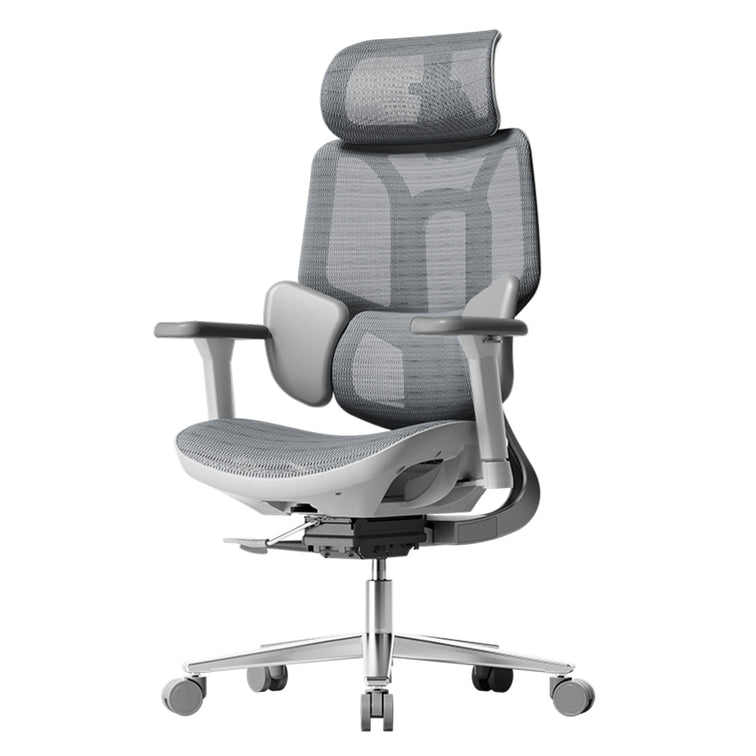
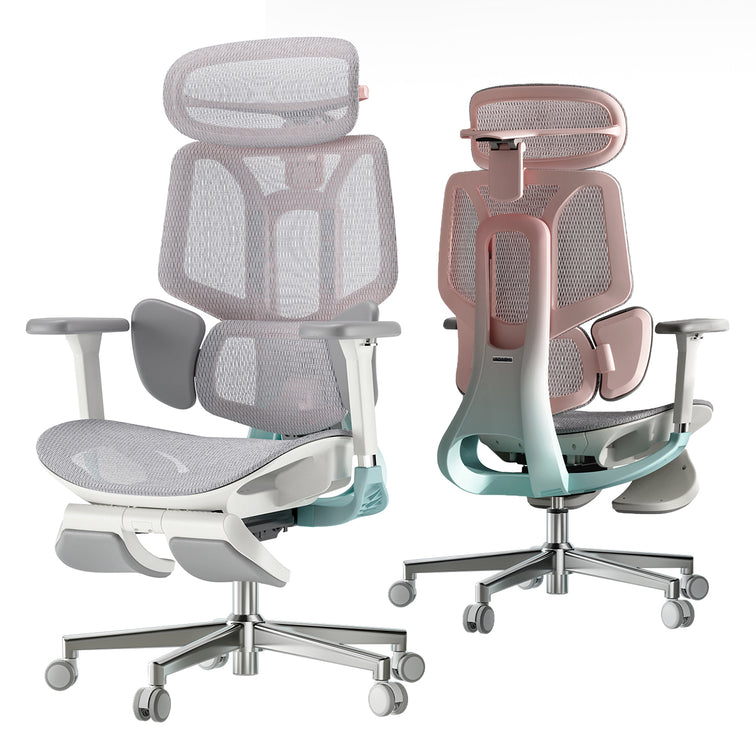
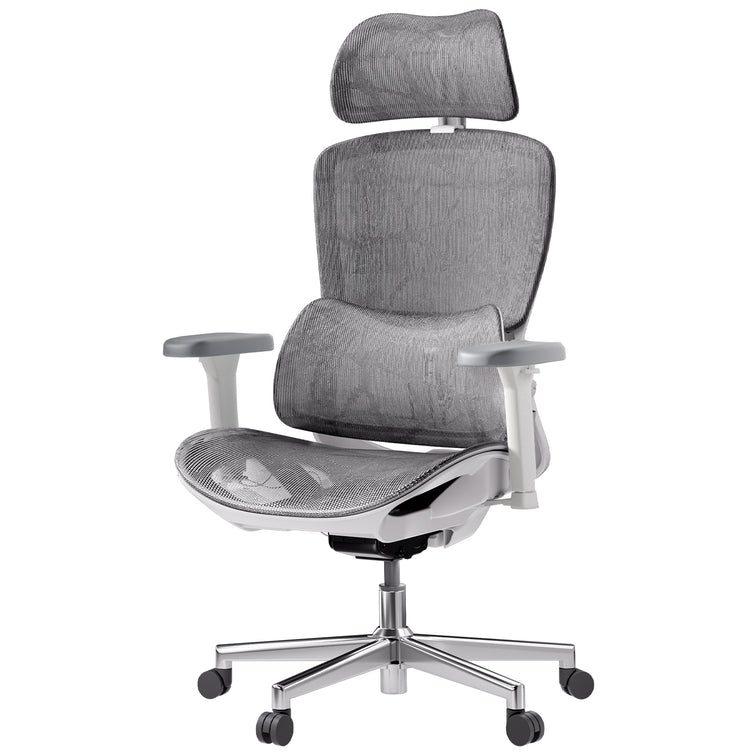





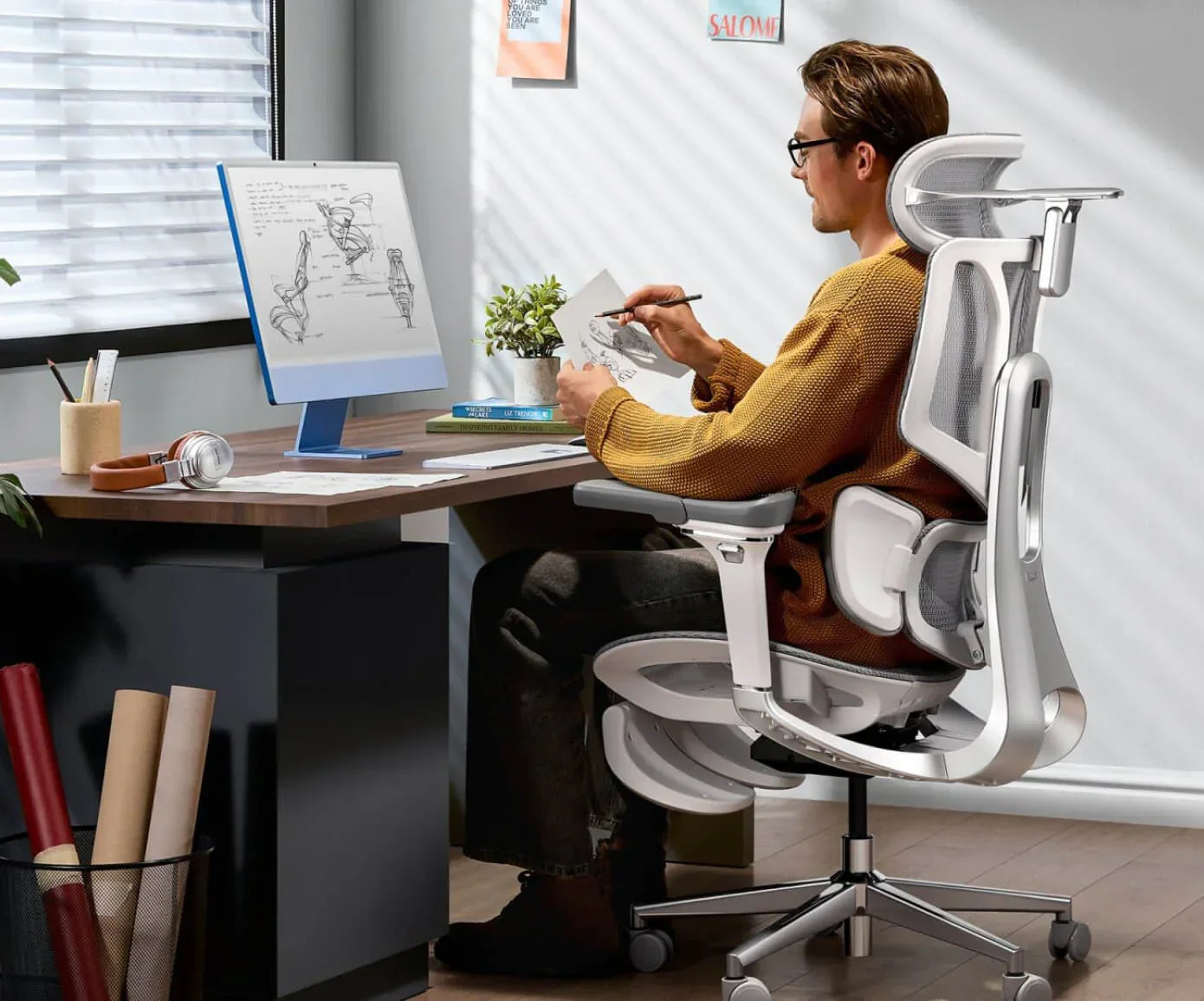
Congratulations on choosing HBADA to upgrade your workspace. Unboxing your new chair is just the start—getting used to better ergonomics takes some time. If you’re used to regular chairs, your body will need about a month to adjust. This guide will help you get the most out of your new chair by showing you how to use it properly and what to expect in your first 30 days.
Week 1: The Setup and Initial Calibration
The first week is focused on setting up your chair correctly. Before you start working, follow the HBADA chair setup guide for new users. Adjusting your chair properly helps features like the 3-zone dynamic lumbar support work with your body, not against it.
Step-by-Step Adjustment Guide for Beginners
Begin with the “Rule of 90.” Make sure your knees, hips, and elbows are all at 90-degree angles. Follow this step-by-step adjustment guide for beginners:
- Seat Height: Adjust the lever until your feet are flat on the floor. If you are petite, you may need a footrest to keep your knees level with your hips.
- Seat Depth: Use the slider to leave a 5 cm gap between the seat edge and the back of your knees.
- Lumbar Height: Position the lumbar support so it fits the natural inward curve of your lower back.
- Armrests: Raise them until your shoulders are relaxed and your elbows are supported at desk height.
Why the First Week Might Feel “Different”
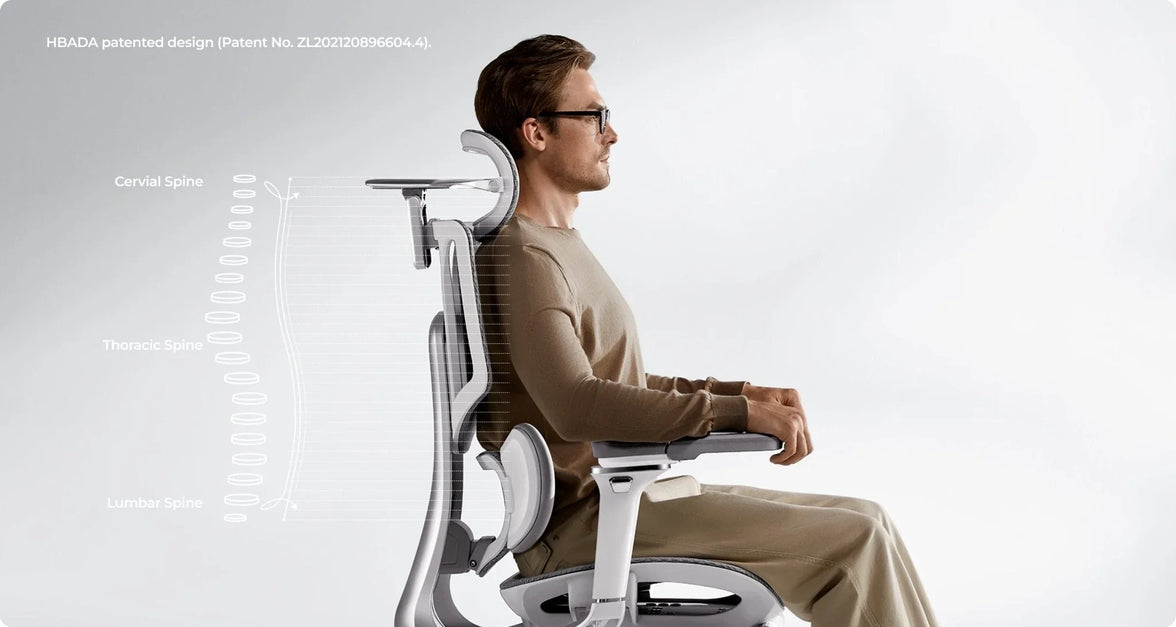
It’s normal if your ergonomic chair feels uncomfortable at first. If you’ve spent years sitting in regular chairs, your muscles have adapted to a slouched, “C-shaped” posture. A chair like the HBADA AI-Powered x7 helps your spine return to its natural “S-curve.” As your muscles stretch and adjust, you might feel some mild soreness, much like after starting a new workout.
Week 2: Mastering the Lumbar and Motion
By the second week, any soreness from your new chair should start to go away. This is a good time to fine-tune your lumbar support. Unlike regular chairs, our premium models have an adaptive lumbar tracking system that adjusts as you move.
How to Set Lumbar Support for Correct Sitting Posture
To get the best support, sit all the way back in your chair. You should feel the 3-zone dynamic lumbar support gently holding your waist from the center and sides. In models like the HBADA AI-Powered x7, sensors track your small movements. Feel free to move—the chair is built to adjust with you. Adjust the lumbar support until it feels firm but not uncomfortable against your spine.
Correct Sitting Posture on a Chair with Proper Fit
In the second week, focus on your head and neck position. Adjust the headrest so it supports the base of your skull, not your neck. This helps you avoid leaning forward and developing “Tech Neck.” Building these habits early will protect your neck and spine in the long run.

Week 3: Adapting to Long-Duration Work
By the third week, your chair should feel more comfortable as the mesh adapts to your weight and your body gets used to the new alignment. This is when you’ll start to notice the benefits, especially if you sit for long periods (6 to 10 hours).
Transitioning from a Regular Chair to an Ergonomic Chair
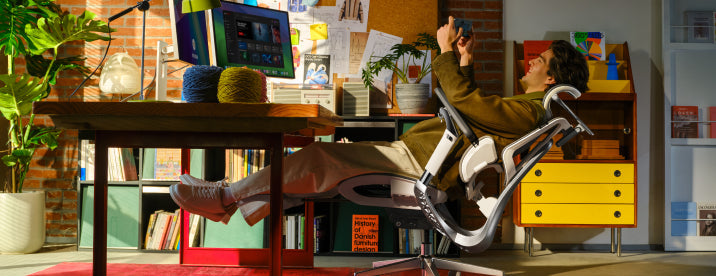
To get comfortable during long hours, use your chair’s recline features. Sitting at a 90-degree angle for long periods can strain your spine. Try tilting back to 110 or 120 degrees during calls. This shifts your upper-body weight to the backrest, taking pressure off your lower back.
Posture Correction and Spinal Alignment
Over time, you’ll notice your chair feels more comfortable. As your core muscles get stronger, sitting upright will feel natural. Instead of struggling to sit up straight, you’ll feel the chair supporting you. This is a sign that your posture and alignment are improving.
Week 4: Total Bio-Synchronization
By the last week of your first month, you should notice you have more energy at the end of the day. Less physical strain means you can think more clearly.
The Hbada AI-Powered x7 Experience
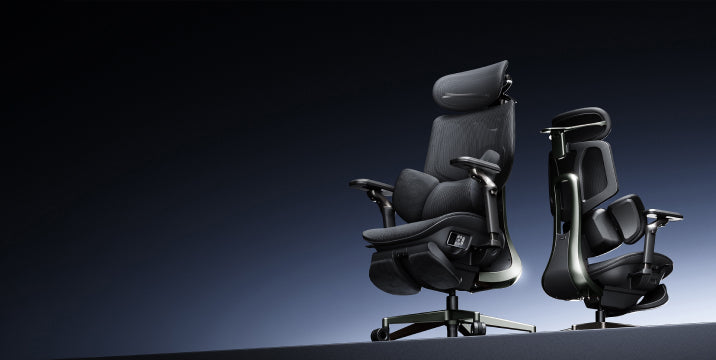
If you have the Hbada AI-Powered x7, the AI tracking should feel seamless by now. The chair has learned your usual recline angles and weight distribution. Its sensors make real-time adjustments, so even if you move around during a busy meeting, your lumbar and neck support stay just right.

Comparison of HBADA Core Models for New Users
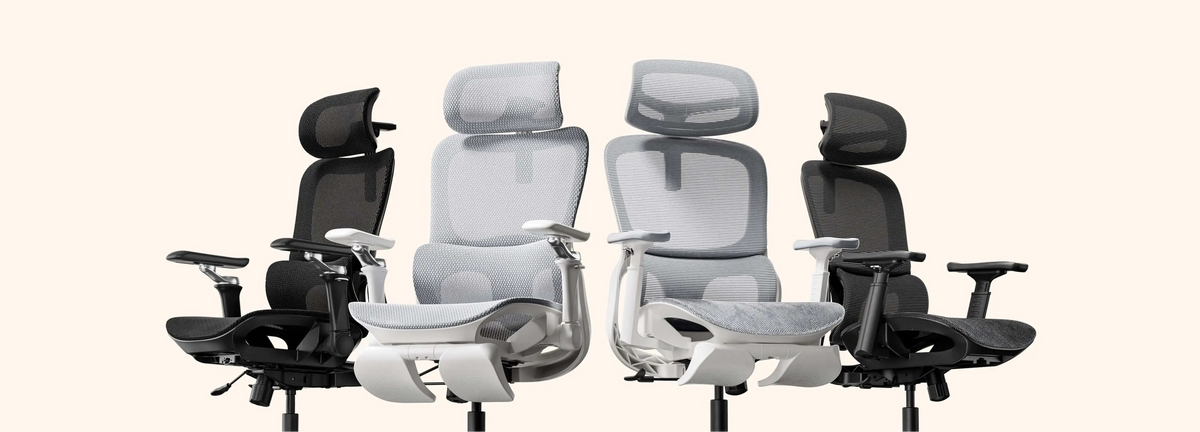
| Feature | E3 Series (Standard) | E3 Pro (Advanced) | Hbada AI-Powered x7 |
|---|---|---|---|
| Lumbar System | 3-Zone Dynamic | 3-Zone Dynamic | Active AI Tracking |
| Armrests | 3D Adjustable | 720° Omni-Adjustable | 720° Omni-Adjustable |
| Adjustment | Manual | Manual | Auto-Adaptive Sensors |
| Best For | Daily Office Work | Pro Professionals | Elite 10+ Hour Users |
Frequently Asked Questions (FAQ)
Q: How long does it take to get used to an ergonomic chair?
A: For most users, the ergonomic chair break-in period lasts between 7 and 14 days. During this time, your body is unlearning years of poor posture. If you continue to feel discomfort after 21 days, revisit your HBADA chair setup guide for new users to ensure your seat height and depth are correctly calibrated.
Q: How to use an ergonomic chair correctly in the first 30 days?
A: Start by sitting all the way back so your spine is in contact with the backrest. Use the ergonomic chair adjustment guide for beginners, step by step, to set your height and depth. Most importantly, take “micro-breaks”—even the best chair benefits from you standing up for 2 minutes every hour to stimulate blood flow.
Q: Why does my lower back feel sore after switching chairs?
A: This is part of adjusting to an ergonomic chair after a regular chair. Your lower back muscles are being forced to work in a healthy alignment for the first time. As long as the soreness is muscular, not sharp nerve pain, it is a sign that your posture correction and spinal alignment chair are doing their job.
Q: Best way to adapt to an ergonomic chair for long hours?
A: Variation is key. Switch between an upright typing position and a relaxed recline every hour. Ensure you use the adaptive lumbar-tracking ergonomic chair features by keeping your back pressed against the mesh. This ensures the chair’s mechanical “muscles” take the weight, not your own.
Conclusion: A Lifetime of Healthy Sitting Starts Now
Your first 30 days with HBADA are an investment in your long-term health. By following the setup guide and giving your body time to adjust, you’re taking steps to avoid chronic back pain. Remember, your chair works best when you use its features. Pay attention to your posture, trust the technology, and enjoy the extra energy that comes from good support. Welcome to a better way to work.
For more information, you can click to check: https://hbada.com/pages/faq