




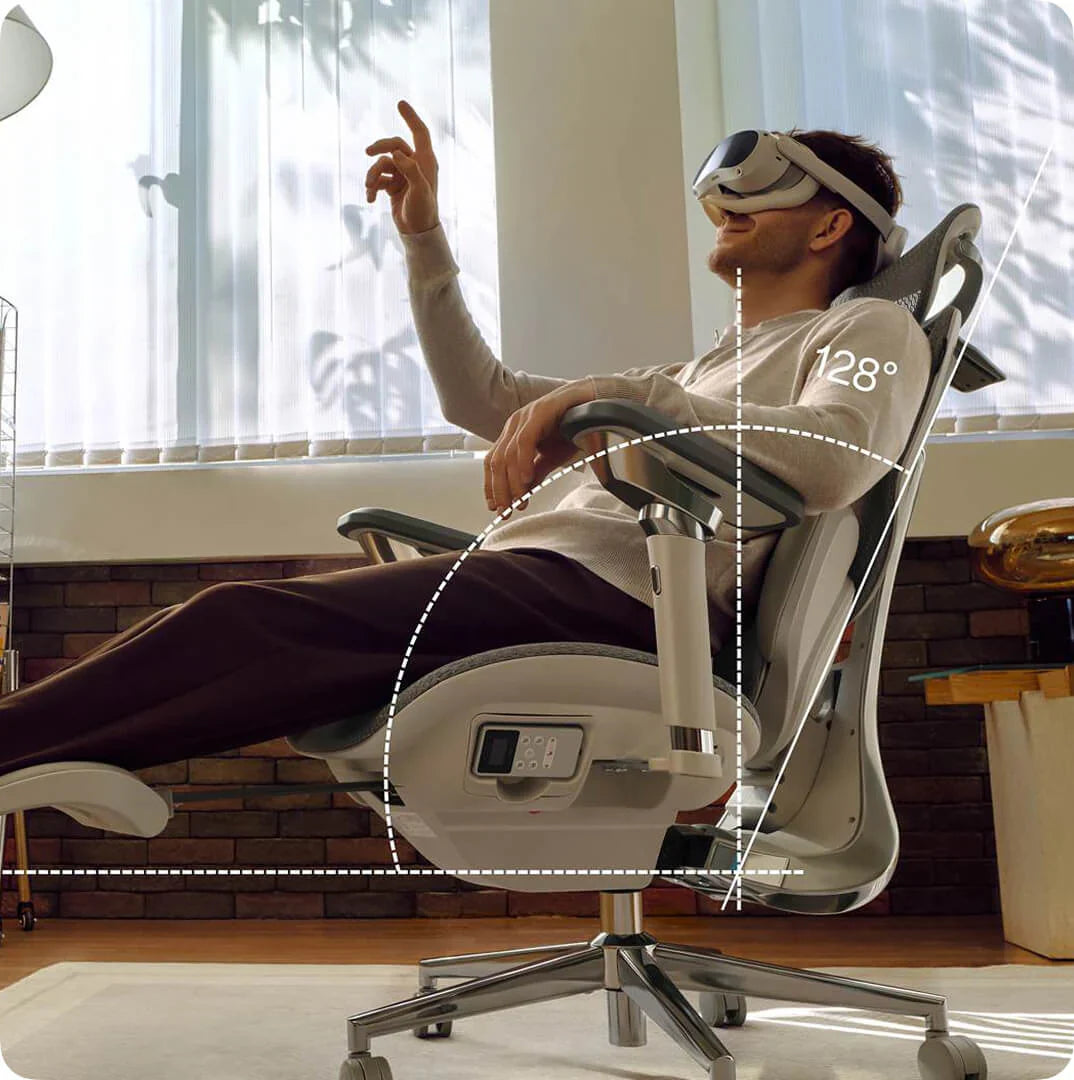
Your office chair is a key part of your workspace, but many people use one that doesn’t fit their bodies. A chair that doesn’t fit can cause more than just short-term discomfort—it can lead to long-term pain and tiredness. If you end your day with a sore neck or aching back, it’s time to check your setup. Learning how to tell if your chair fits is the first step toward a healthier, more productive workday.
Signs Your Office Chair Does Not Fit You
Many people wait until they feel pain before realizing something is wrong, but there are earlier warning signs to watch for. If you notice any of these, your chair might not be the right size or properly adjusted:
- The Perch: You find yourself sitting on the very edge of the seat because the backrest feels too far away.
- The Dangling Feet: Your heels don’t firmly touch the floor, or you find yourself crossing your legs to find balance.
- The Shoulder Shrug: Your armrests are so high that your shoulders stay hunched toward your ears.
- Circulation Cut-off: You feel a “pins and needles” sensation in your thighs or calves after an hour of sitting.
Recognizing these signs early can help you avoid long-term discomfort.

The 4-Step Ergonomic Chair Fit Guide for Proper Posture
To sit with good posture, you need to adjust your chair in a certain order. Use this ergonomic chair guide to set up your workspace.
1. Seat Height: The Foundation of Blood Flow
Begin by making sure your feet are flat on the floor. An ergonomic chair with adjustable seat height and depth lets you do this while keeping your knees at 90 degrees. If your knees are higher than your hips, there’s too much pressure on your sit-bones. If they’re lower, your lower back is under strain.
2. Seat Depth: Protecting Your Knees and Hips
Seat depth is often overlooked when setting up your chair. You should be able to sit all the way back so your spine touches the lumbar support, with about 5–7 cm (about a fist’s width) between the seat edge and the back of your knees. If the seat presses against your knees, it can cut off circulation. If the gap is too big, your thighs won’t get enough support.
3. Lumbar Support: Maintaining the Natural Curve
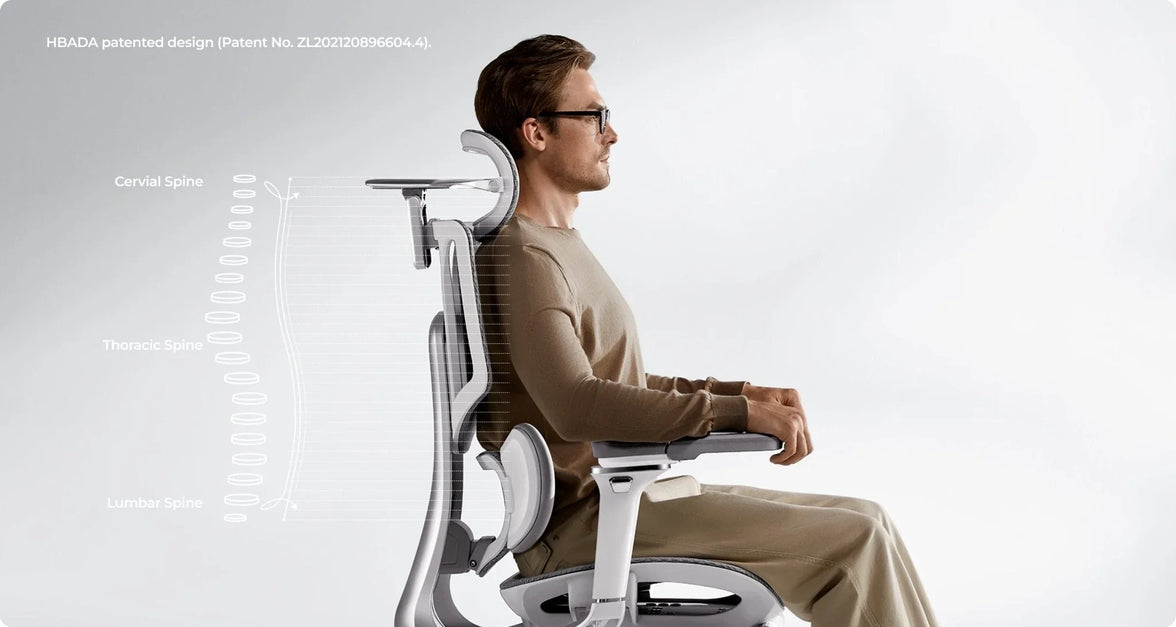
It’s important to adjust your chair for lower back support to prevent slouching. The lumbar curve should fit right into the small of your back, just above your belt line. If it’s too high or too low, it can push your spine out of its natural position, which is often why a chair feels uncomfortable after long use.
4. Armrest Alignment: Offloading Shoulder Weight
Set your armrests so your elbows are bent at 90 degrees and your shoulders stay relaxed. If the armrests are too wide or too high, they can cause neck and upper back tension. A good ergonomic chair lets you move the armrests inward to support your forearms while you type.

Advanced Solutions for Multi-Point and AI Adjustments
Today, you don’t have to struggle with manual knobs. High-quality chairs can now adjust themselves for you.
The Power of a Multi-Point Adjustment System
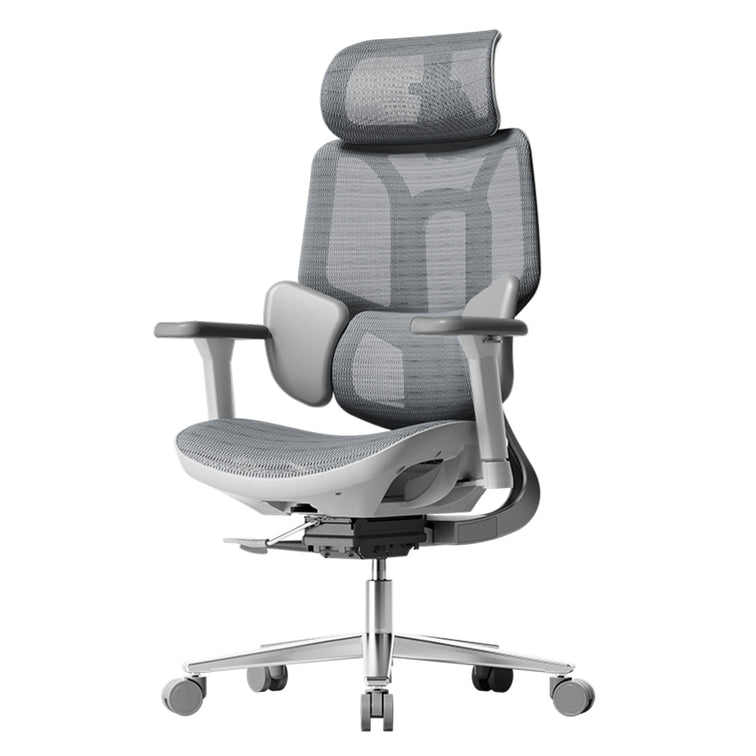
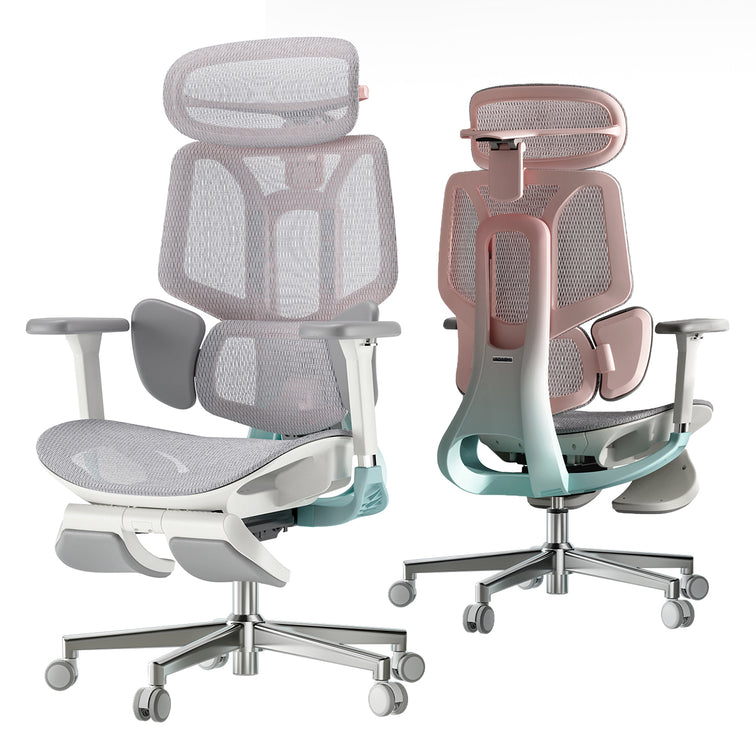
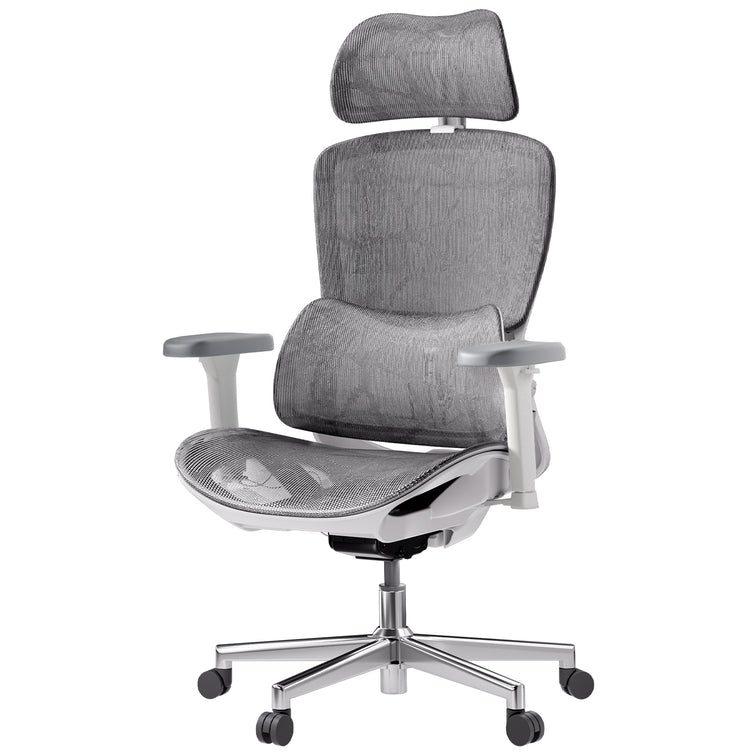
A high-quality ergonomic chair with a multi-point adjustment system lets you control every part that comes into contact with your body. This is important for people who sit at a computer, because the chair can move with you as you switch from typing to leaning back. Our design uses “Bio-Synchronization,” so the chair mirrors your body's natural movements.
HBADA AI-Powered x7: The Ultimate Fit
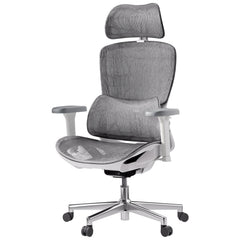
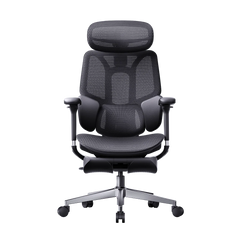
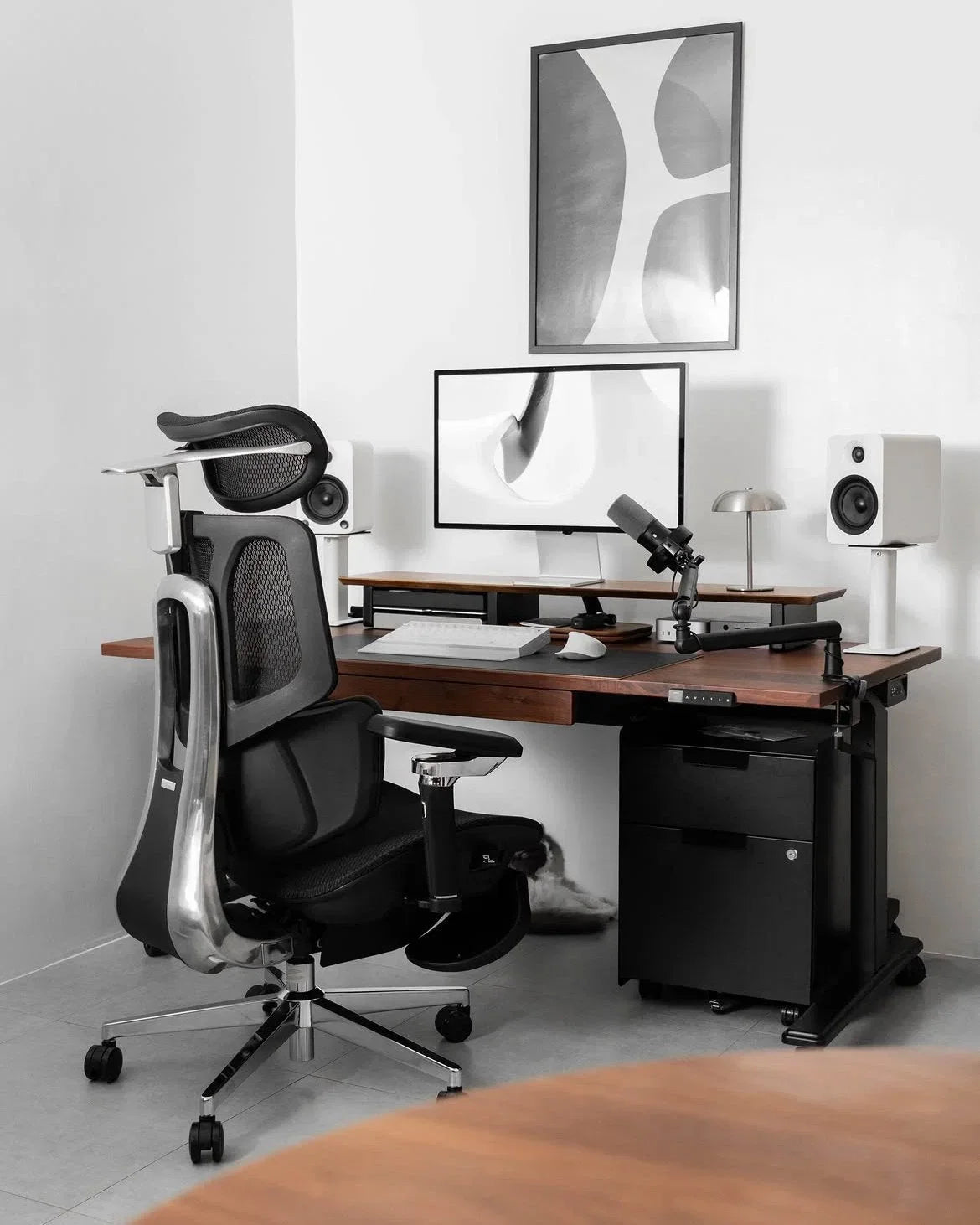
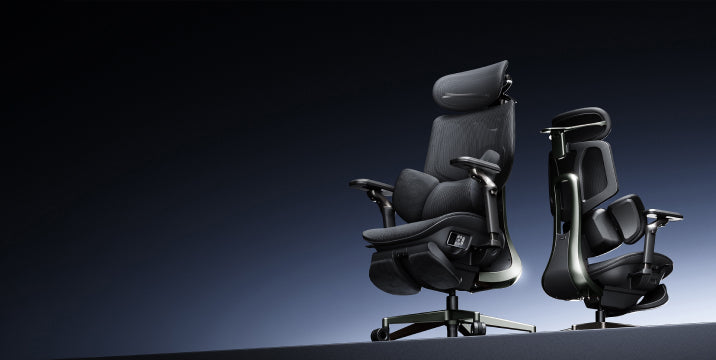
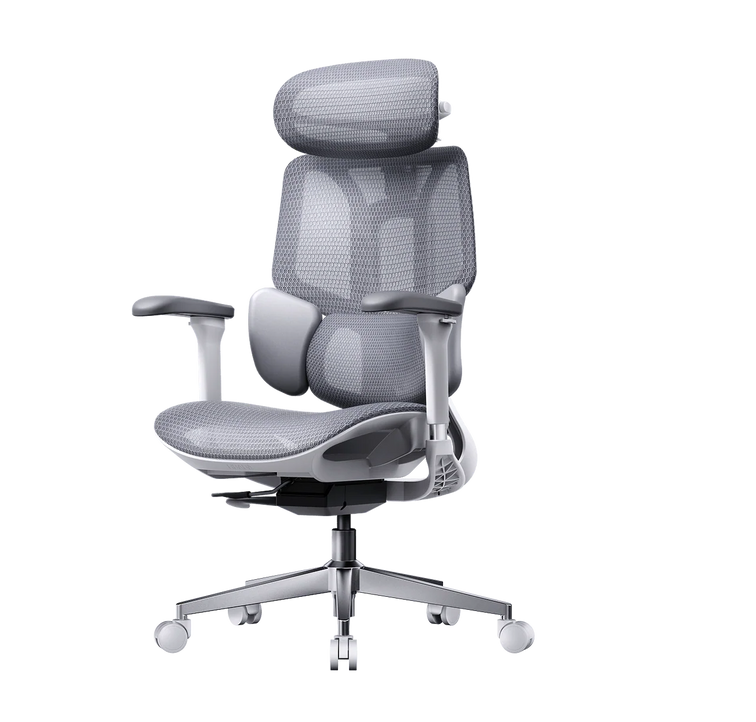
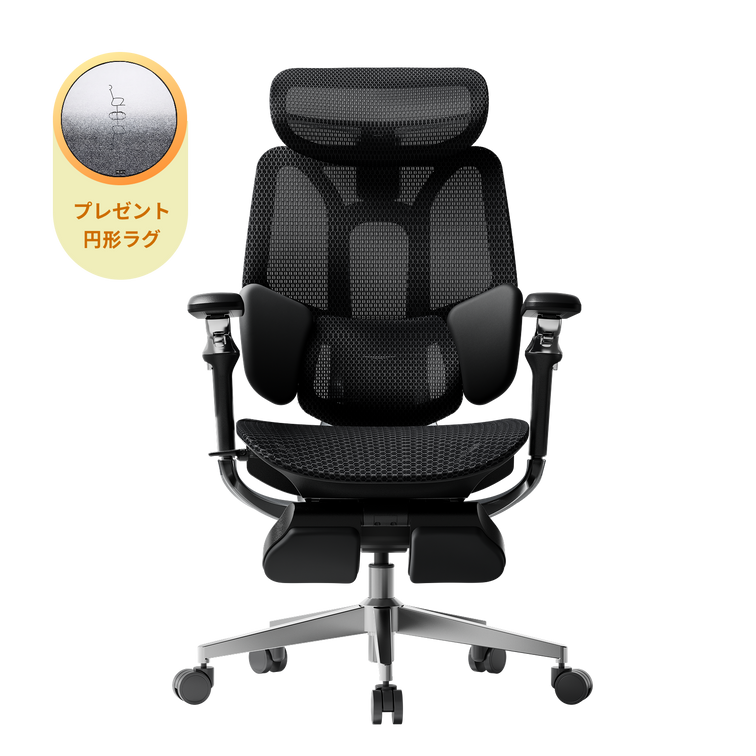
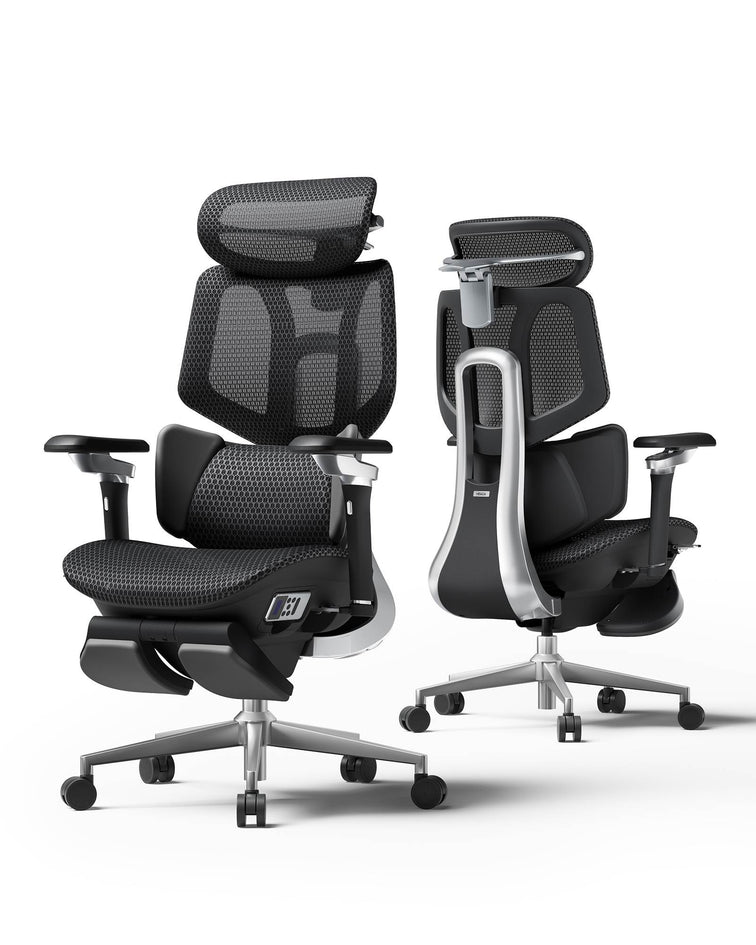
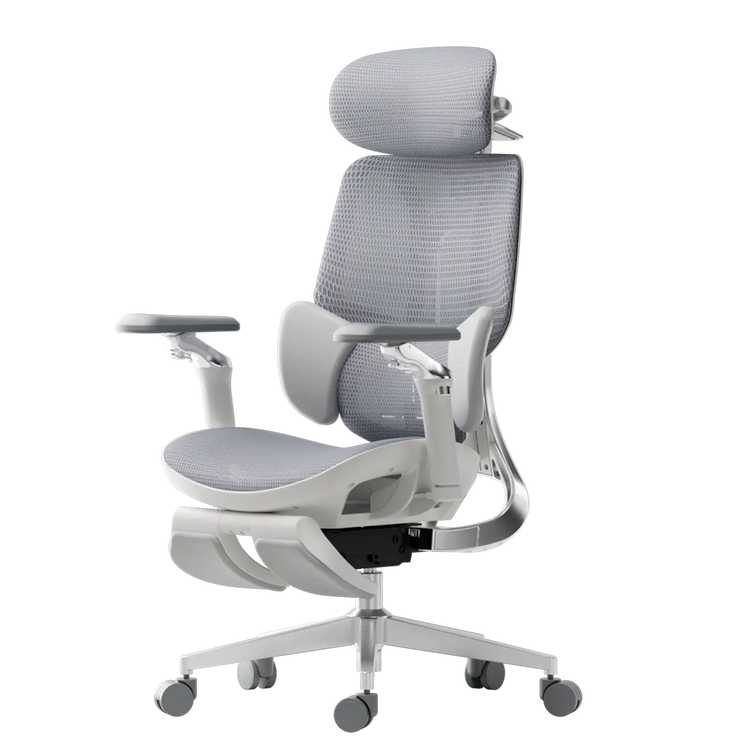
If you’re tired of making manual adjustments, the Hbada AI-Powered x7 is a new solution. It uses sensors to detect your body type and sitting habits in real time, automatically adjusting the lumbar support and seat depth to keep you in the right position. This helps fix poor posture caused by an ill-fitting chair by correcting your alignment before you feel any pain.

Comparing Support Levels for Your Best Fit
| Feature | Standard Office Chair | Fully Adjustable Ergonomic | Hbada AI-Powered x7 |
|---|---|---|---|
| Seat Depth | Fixed | Manual Adjustment | Auto-Adaptive |
| Lumbar Support | Static Pad | Height Adjustable | AI-Synchronized Tracking |
| Armrests | 1D (Height) | 4D (Height, Width, Depth, Pivot) | 720° Bio-Sync Arms |
| User Fit | General | Custom Tailored | Proactive Real-Time Fit |
Frequently Asked Questions (FAQ)
Q: How do I adjust my chair if I’m between sizes? A: Choose a chair with an adjustable seat height and depth. Adjust the seat forward or back to suit your leg length.
Q: Why does my back still hurt even after I adjusted my chair? A: Muscles need time to adjust to a better posture. If pain persists, your chair may not offer enough support.
Q: Can a footrest help if my chair doesn’t go low enough? A: Yes. If you’ve set your seat height so your arms are level with the desk but your feet don’t touch the floor, a footrest is a good temporary fix. For a long-term solution, look for an ergonomic chair that fits your height.
Q: What is the best way to fix shoulder pain from my chair? A: Make sure your armrests are set at the right height. When your arms are supported, the pressure is taken off your shoulder muscles. This is the quickest way to fix upper-body pain caused by your office chair.

Conclusion
Don’t Compromise on Your Comfort
Learning how to adjust your office chair is more than just convenient—it’s important for your long-term health. The right chair helps you feel less tired, work better, and avoid pain that impacts life outside of work. If your chair isn’t adjustable, consider upgrading to a fully adjustable ergonomic option, like the HBADA AI-Powered x7, which adapts to your needs and demonstrates the benefits of a good fit. Your body is valuable, so ensure your chair supports it.