
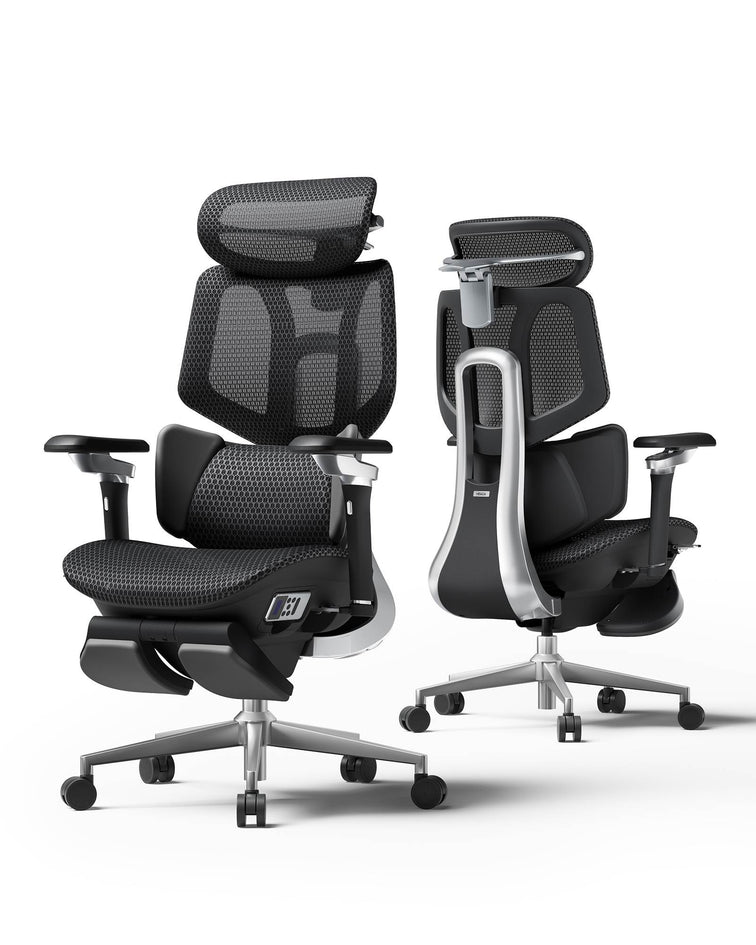
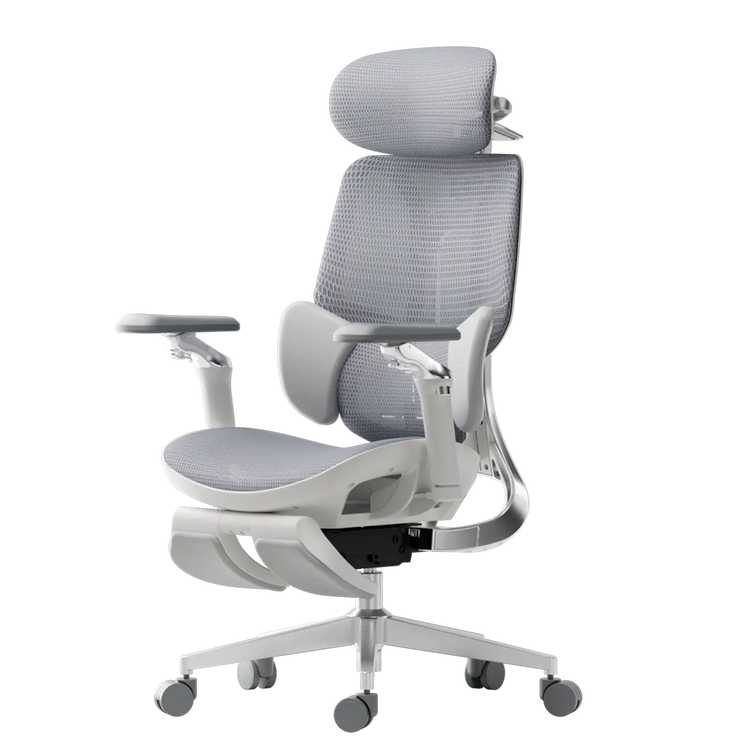
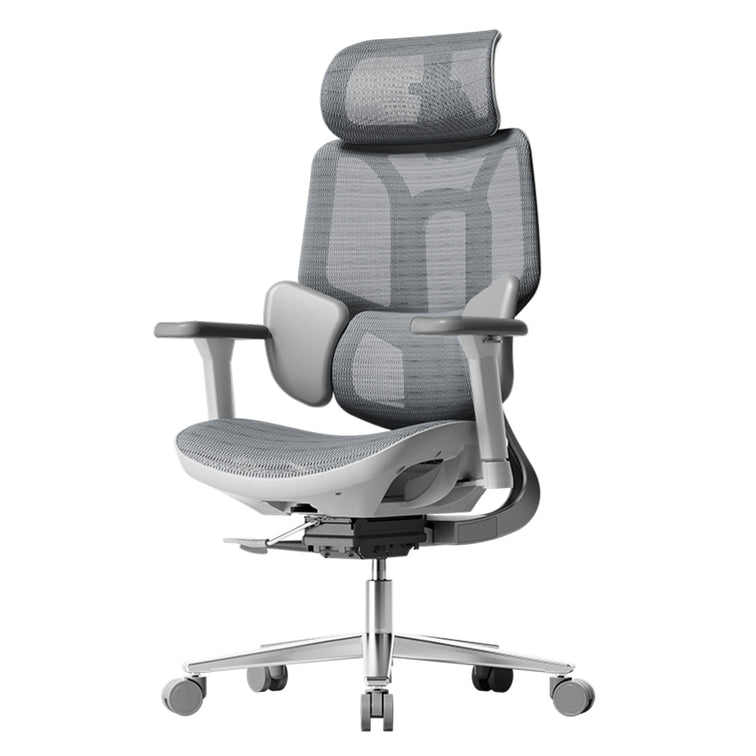
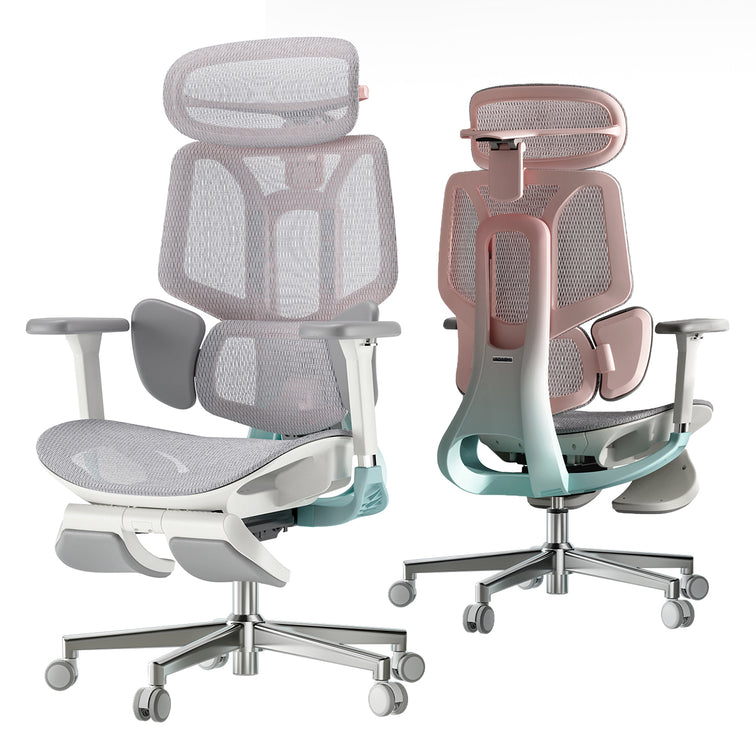




Assembly, Maintenance & Troubleshooting
Step-by-step assembly guides, video tutorials, and quick tips to get your HBADA chair set up in minutes — no special tools or professional help required.
How do I assemble my HBADA chair? (Step-by-Step)
We apologize for the inconvenience. You can refer to our official complete assembly video at: https://www.youtube.com/@HbadaGlobal. The video provides clear, full‑process instructions to help you assemble your chair safely and easily. If you cannot access the video or need further assistance, please provide your order number, and we will send you the corresponding assembly video based on your chair model. If you have any questions during installation, feel free to contact us anytime — we are happy to guide you step by step. Thank you for your cooperation and patience.
What should I do if a screw doesn't fit or is missing?
We apologize for the inconvenience. If any screws are missing, damaged, or do not fit properly during the assembly process, please contact our customer service team and provide your order number, clear photos of the problematic parts, the barcode on the chair base, and your delivery address. We will promptly arrange to send you the corresponding replacement screws or accessories free of charge to ensure you can complete the assembly smoothly. In the event that the required accessories are out of stock, we will provide you with the corresponding purchase link. After you make the purchase, please send us the invoice, and we will reimburse the full cost for you. Thank you for your cooperation and patience.
How do I adjust the lumbar support for maximum comfort?
Hope this will help you. Referring to the operation video link: https://www.youtube.com/shorts/KULJrSYNjno
There are a total of 7 gears for the lumbar support (including the initial gear). Pulling up 6 gears will produce a gear sound, and pulling down 7 gears will unlock the gear. After unlocking, pull to the bottom to readjust the position. Attach the video link: https://www.youtube.com/watch?v=JDnNLkLM_Hc
The front and rear adjustment is not reset when you use it. You need to pull it to the last unlock. This guide groove can only be fixed in front and back after squeezing and unlocking the inner buckle.
How to set the armrests and headrest for different tasks?
Hope this will help you.
When working or studying: Sit upright, adjust the armrests to elbow height (approximately 90°) and align them with your desk. Lower the headrest slightly to naturally support your neck.
When gaming: Lean forward slightly, lower and move the armrests forward to keep your wrists relaxed. Raise the headrest a little to provide comfortable support when you occasionally lean back.
When resting or napping: Recline the backrest, and simultaneously raise the armrests and headrest to ensure your head, neck, and arms are fully supported.
For detailed adjustment methods, you can find the corresponding detailed adjustment video through the link provided: https://www.youtube.com/@HbadaGlobal
Thank you for your cooperation and patience.
Why is my chair making a squeaking noise and how to fix it?
Hope this will help you.
Squeaking noises from your chair are usually caused by friction between moving parts, loose screws, or dry joints. You can resolve the issue by following these steps:
- Check and tighten all screws on the seat, backrest, base, and armrests to ensure they are securely fixed.
- Apply a small amount of lubricant (silicone oil, sewing machine oil, or lubricating spray is acceptable) to the gas lift, rotating joints, and connecting points.
- Check if there is any friction caused by plastic parts pressing against each other; simply adjust their positions to eliminate the friction.
If the squeaking noise persists after taking the above measures, please contact our customer service and provide your order number, a description of the problem, the barcode on the chair base, and your delivery address. We will assist you with further handling and resolution promptly.
My gas lift is sinking; what is causing this? My chair keeps sinking — what can I do?
A chair that keeps sinking is almost always caused by a faulty or worn-out gas lift cylinder, which loses internal pressure and can no longer hold weight.
You may try these quick checks:
- Make sure the height adjustment lever is fully released or locked properly.
- Check if any parts under the seat are blocking the mechanism.
- If the chair still sinks, the gas lift needs to be replaced.
Please contact our customer service with your order number, photos of the issue, base barcode, and delivery address. We will arrange a replacement gas lift for you.
The reclining mechanism is stuck; how do I unlock it?
If the backrest reclining mechanism gets stuck and cannot be unlocked, please try the following steps:
- Lean back firmly to release the tension inside the mechanism.
- Check for loose screws, foreign objects, or plastic parts that may be jamming the mechanism.
- If the mechanism still cannot be unlocked after the above operations, please contact our customer service with your order number, photos of the issue, the barcode on the chair base, and your delivery address.
We will provide further support and handle the problem promptly.
How do I clean and maintain the mesh fabric?
To keep the high-density mesh fabric in good condition, please follow these cleaning and maintenance tips:
- Daily Cleaning
Use a soft dry cloth or a small vacuum cleaner to gently wipe or suck away dust and debris on the mesh surface, avoiding scratching the fabric. - Stain Cleaning
For stubborn stains, gently wipe the stained area with an alcohol wipe. Do not use strong chemicals, bleach or hot water, as they will damage the mesh fibers. - Long-Term Maintenance
Avoid placing sharp objects and heavy items on the mesh for a long time, and keep it away from high-temperature environments to prevent fiber damage and sagging. - Daily Attention
Do not pull or scratch the mesh with force; if there are loose threads, do not pull them arbitrarily, and contact customer service for handling if necessary.
Thank you for your understanding.
How often should I tighten the bolts and screws?
We recommend checking and tightening all bolts and screws once every 1–3 months, depending on daily usage intensity.
If you use the chair heavily for long hours every day, check monthly. For normal home use, checking every 3 months is sufficient.
Regular tightening prevents squeaks, wobbling, and loose parts, extending your chair’s lifespan.
How to properly store the chair when not in use?
When storing your chair for an extended period, please follow these guidelines:
- Place the chair in a cool, dry, well-ventilated indoor area.
- Avoid direct sunlight and prolonged exposure to prevent fading, cracking, or damage to the mesh, plastic, and cushion materials.
- Keep it away from sharp objects, heavy pressure, and moisture to avoid deformation or mold.
- If possible, cover it with a dust cover to keep it clean.
What should I do if my seat is tilted or leaning to one side?
Thank you for sharing your thoughts. If your seat is tilted or leaning sideways, please check the following:
- Ensure all screws under the seat are tightened evenly and securely.
- Check if the five-star base is placed on a flat, even floor.
- Inspect the gas lift and mounting plate for damage or improper installation.
- Confirm that the chair is assembled correctly according to the manual.
If the issue continues after checking, please contact us with your order number, photos of the problem, the barcode on the chair base, and your delivery address, and we will assist you further. Thank you for your patience and cooperation.
How do I adjust the backrest?
Generally, when the backrest is pulled up, it will lock at different gear heights. When pulled to the highest position, it will automatically return to the lowest gear height. You should notice a click each time it locks into place.
As a guideline: You can lift the backrest up to 4 times, and after reaching the 5th lift, it will return to its original position.
For your reference, please find the attached video demonstrating this mechanism: Backrest.mp4
Please try this and let us know if you notice any difference in the backrest’s movement. Thank you for your patience and cooperation.
What is the correct position for the headrest to avoid neck strain during focused work?
For focused work, set the headrest to support the middle of your neck (cervical spine), not just the back of your head.
Height: Align the headrest pad with the center of your neck.
Angle: Tilt it slightly forward so it touches your neck gently when you sit upright, without pushing your head forward.
Do not lean your head fully against it while working; use it for light support to keep your neck in a neutral, relaxed position.
This posture reduces strain and prevents soreness during long hours of use. Thank you for your patience and cooperation.
How do I lock the headrest in a specific position?
For height adjustment: Lower the headrest all the way to the bottom first, then lift it up one notch at a time to your desired height. All middle notches will lock automatically — do not go to the very top notch, as it is a circulating gear and cannot hold position.
For forward/backward angle adjustment: Push the headrest fully forward first, then pull it back slowly to your preferred angle. Avoid pulling it all the way to the rear end, which will enter the circulating mode and fail to lock. To reset, push it fully forward again, then adjust to a fixed position.
Once adjusted properly, the headrest will stay securely in place. Thank you for your patience and cooperation.
How does the Dynamic Lumbar Support adjust automatically to my back?
This model is equipped with an independent adaptive spring lumbar support. No matter what sitting posture you use, the lumbar support will automatically adjust to the most suitable position according to the pressure from your body. Its back and waist separated design provides more targeted support, ensuring your lower back never hangs unsupported. Since it’s inconvenient to adjust the lumbar support frequently while shifting postures at work, this adaptive design offers greater convenience and continuous comfort. Thank you for your patience and cooperation.
How do I lock the backrest at a specific reclining angle for resting?
Sit on the chair, then use the recline control lever under the seat to tilt the backrest to your preferred angle. Once you reach a comfortable position, push the control lever in fully until it clicks into the locked position — this will secure the backrest firmly. To unlock and return the backrest to an upright position, simply pull the control lever out again. If the backrest fails to lock or slides down unexpectedly, please check if the mechanism is stuck or if any screws are loose. If the issue persists, feel free to contact our customer service for further assistance. Thank you for your patience and understanding.
What are the different adjustment directions of the 4D armrests, and how to use them?
Our 4D armrests come with height adjustment, forward/backward adjustment, rotation adjustment, and nap linkage function. Here is how to use them:
Height adjustment: Press the control button on the armrest to lift or lower it to a comfortable height, then release to lock.
Forward/backward adjustment: Slide the armrest pad forward or backward to match your arm length and sitting posture.
Rotation adjustment: Rotate the armrest pad left or right to keep your wrists in a natural, straight position.
Nap linkage function: When you recline the chair into nap mode, the armrests will automatically tilt and link with the backrest to provide continuous, comfortable support.
Thank you for your cooperation and patience.
How do I adjust the headrest height and angle to perfectly fit my neck curve?
The forward/backward adjustment of the headrest uses a circular gear system. Please first push the headrest all the way forward, then pull it back slowly. Do not pull it all the way to the rearmost position—this will activate the circular mode and cause it to not lock. To reset, push it fully forward again, and you can adjust to a fixed position.
The up/down height adjustment is also a circular gear system. Please lower the headrest all the way to the bottom first, then adjust upward one notch at a time. All middle positions can be locked; only the topmost notch is the circular gear and cannot be locked.
Here is the official adjustment video for the headrest for your reference: https://www.youtube.com/@HbadaGlobal.
If you have any further questions, please feel free to contact us anytime. Thank you for your patience and cooperation.
How should I position the armrests to prevent shoulder fatigue and wrist pain?
We apologize for the inconvenience. To achieve the best ergonomic effect and avoid shoulder fatigue and wrist pain, please follow these guidelines:
Adjust the armrest height so that your elbows form an angle of approximately 90 degrees when your arms rest naturally on them.
Keep the armrests level with your keyboard or desk surface to maintain straight wrists while typing, without bending upward or downward.
Do not set the armrests too high, as this will raise your shoulders and cause muscle tension.
Avoid letting the armrests squeeze your shoulders inward; keep your shoulders relaxed and in a natural position.
Properly positioned armrests provide even support for your arms, reduce pressure, and effectively prevent discomfort in the shoulders, neck, and wrists during long hours of use.
For detailed adjustment steps, you may refer to our instruction video, which shows how to adjust all components to your most comfortable and personalized position. Thank you for your cooperation and patience.
How do I adjust the armrest height to fit under my desk?
We apologize for the inconvenience. To adjust the armrest height so it can slide under your desk smoothly:
Locate the adjustment lever or button on the side of each armrest.
Lift or press the lever, then push the armrest down to its lowest position.
Release the lever to lock the armrest in place.
Make sure both armrests are set to the same height to avoid imbalance.
Once lowered, the chair can be pushed fully under the desk for space-saving use. Thank you for your cooperation and patience.
Why are my two armrests at different heights, and how can I align them?
It is common for the two armrests to show a slight height difference due to assembly tolerances and individual adjustment mechanisms. Please check the following to align them:
Make sure both armrest height adjustment levers are fully locked in the same gear position.
Gently press down on both armrests at the same time to ensure they are fully seated.
If one armrest is loose, tighten the fixing screws underneath the armrest.
After adjustment, your armrests should be level and even. If the height difference remains obvious, please contact us with photos, order details, chassis barcode and your address, and we will assist you further. Thank you for your cooperation and patience.
How do I adjust the overall height of the chair for the best ergonomic posture?
To adjust your chair to the optimal ergonomic sitting height, please follow these steps:
Stand next to the chair, lift the height adjustment lever, and set the seat so that your hips and knees are at roughly the same level when seated.
Once sitting, your feet should rest flat on the floor or a footrest, with your knees naturally bent at approximately 90 degrees.
Avoid setting the seat too high (which causes your feet to hang) or too low (which puts pressure on your thighs and lower back).
This posture effectively reduces fatigue and helps maintain a healthy spinal alignment during long hours of use.
For more guidance, you may also refer to our instruction video, which shows how to adjust all components to your most comfortable position: https://www.youtube.com/@HbadaGlobal
What is the maximum weight capacity of the base and gas lift?
The base and gas lift are designed to support a maximum weight capacity that depends on the chair model (check below). We recommend using the chair within this load range to ensure stability, safety, and longer service life of the gas lift and base. Thank you for your cooperation and patience.
The weight capacity depends on the chair model:
- HBADA J1 / J3: up to 113 kg (250 lbs)
- HBADA P2 Series: up to 136 kg (300 lbs)
- HBADA E3 Series: up to 150 kg (330 lbs)
All HBADA chairs are tested to ensure the base and gas lift can safely support the listed weight. Always check the product page for your specific model.
My chair is slowly sinking (height loss) over time; what is the cause?
The chair slowly sinks and loses height when you sit on it, which is usually caused by a faulty or leaking gas lift cylinder. The main reasons and solutions are as follows:
The gas lift has insufficient internal pressure and cannot stably support weight, so it gradually lowers. A slight sinking may occur during initial use as parts settle, but continuous sinking indicates the gas lift needs to be replaced.
Your chair is covered under a 3-year warranty. If the problem persists, please contact us with photos of the issue, your order information, chassis barcode, and shipping address, and we will provide further assistance. Thank you for your cooperation and patience.
The chair feels unstable or wobbles from side to side; how do I fix the base?
The wobble of the chair may be caused by the following reasons:
The chair is assembled from multiple parts, so there are natural gaps at the screw connections. Since the chair is designed with height-adjustable and reclining functions, these gaps cannot be fully sealed to ensure flexibility, which may result in slight movement.
The chair is equipped with casters for 360-degree rotation, so you may feel a small amount of wobble while sitting on it.
If you are still concerned, you can double-check the fixing screws on the backrest and base to see if any screws have become loose. If so, simply tighten them and the issue should be resolved.
Please rest assured that our product comes with a 3-year warranty. If the wobble becomes more severe during future use, feel free to contact us at any time and we will help resolve it for you. Thank you for your cooperation and patience.
The wheels are not rolling smoothly or are making noise; how can I clean or replace them?
Could you please take a short video of the chair when you push it, focusing on the sticking wheels? This will help us better diagnose the issue.
If only a single wheel is sticking, we recommend adding a few drops of dish soap or cooking oil to the bearing of the problematic wheel for lubrication. This simple step can significantly improve the smoothness of the wheel’s rotation. Please give it a try.
If the issue persists after trying this method, feel free to contact us with the video, and we will assist you further. Thank you for your cooperation and patience.
How do I prevent the mesh from sagging over long-term use?
To prevent the mesh from sagging during long-term use, you can follow these simple tips:
- Avoid sitting or pressing heavily on a single area of the mesh for a long time, as this can cause the mesh fibers to stretch and lead to sagging over time.
- Keep the mesh away from sharp objects and high temperatures, which can damage the mesh fibers, reduce their elasticity, and further cause sagging.
- When not in use, do not place heavy items on the mesh surface, as prolonged pressure will accelerate mesh sagging.
If you find obvious sagging that affects use, please contact us with the following information: photos of the sagging, your order details, the chassis barcode, and your shipping address. We will provide you with further assistance. Thank you for your understanding. Please feel free to reach out if you have any other questions.
I noticed a small snag or pull in the mesh; will it affect the structural integrity?
A small snag or pull in the mesh fabric generally does not affect the structural stability of your chair; it is mostly just a minor surface issue. To prevent further damage, we recommend avoiding any additional pulling or scratching on the affected area, as this may cause the snag to expand.
If the damage gradually worsens or begins to affect your use of the chair, please contact us with the following information: photos of the snag, your order details, the chassis barcode, and your shipping address. We will promptly provide you with an appropriate solution. Thank you for your understanding. Please feel free to reach out if you have any other questions.
How do I remove a stubborn stain from the white/grey mesh fabric?
We apologize for the inconvenience. For stubborn stains on white/grey mesh fabric, you can gently wipe the affected area with an alcohol wipe. Avoid vigorous scrubbing to prevent damaging the mesh.
Do not use strong chemical cleaners, bleach, or hot water. After cleaning, air-dry the chair naturally in a well-ventilated area. Thank you for your understanding.
I'm having trouble pulling out the footrest; is there a trick to it?
The footrest may be a bit tight during initial use to ensure stability. You can hold the front of the footrest firmly and pull it out horizontally from under the seat.
If it’s still hard to pull out, please check which part is getting stuck. Do not pull it at an upward angle, as this may cause jamming.
If the problem continues, please send us a short video of the issue, and we will assist you further. Thank you for your understanding.
I'm struggling with a specific step in the assembly; where can I find the video guide?
You can view our detailed assembly video guide at https://www.youtube.com/@HbadaGlobal. If you are unable to find it there, please contact our customer service with your order number, and we will send you the official video link directly. We are also ready to assist you with any specific steps you find difficult during assembly.
How do I contact technical support for a complex product issue?
We apologize for the inconvenience. For complex product issues, please contact our customer support team directly via the messaging center. To help us resolve your problem quickly, kindly provide your order number, clear photos or videos of the issue, the chair chassis barcode, a detailed description of the problem and your address. Our technical support team will review your case and reply to you with a professional solution as soon as possible. Thank you for your understanding.
How do I properly deploy and retract the built-in footrest?
Thank you for reaching out. To use the built-in footrest, simply pull it out from under the seat cushion, then flip the footrest surface upward for use. When not in use, flip the footrest surface back down and push it gently back under the seat.